Integration guide
How to Connect Google Forms to Trello
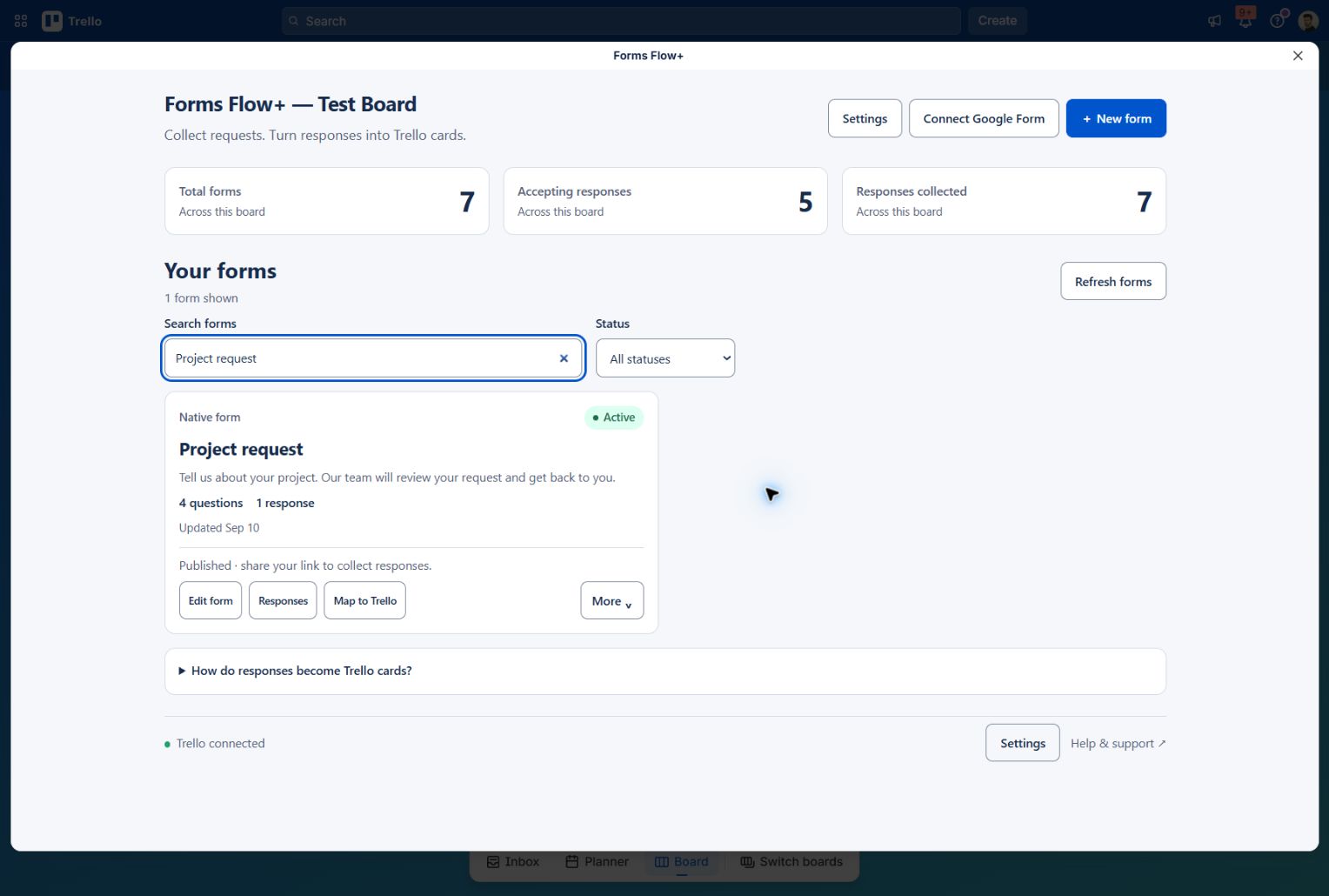
Connect Google Forms to Trello with Forms Flow+: select a form, import responses, map card fields, and verify your first synchronized card.
Read the guide Forms Flow+Install Forms Flow+ ↗
Learn by doing
Build your first form, connect Google Forms, or collect requests from people outside your board. Real screenshots, practical examples and video walkthroughs help you turn a question into a useful Trello card.
Choose your next step
Each guide focuses on one workflow. Choose the path that fits the form you want to share.
Integration guide
Connect Google Forms to Trello with Forms Flow+: select a form, import responses, map card fields, and verify your first synchronized card.
Read the guide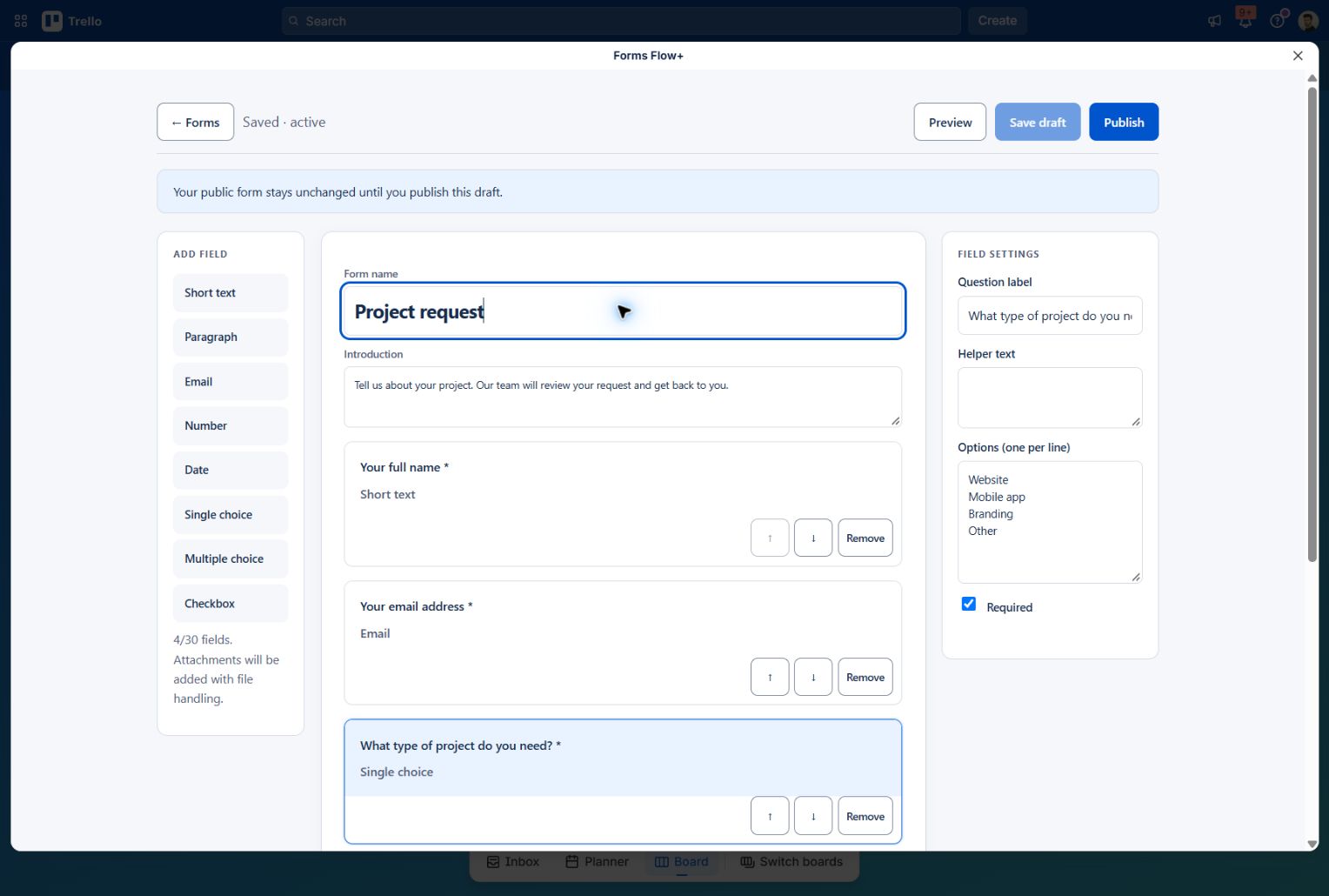
Form builder guide
Build a Trello request form with Forms Flow+: add questions, preview and publish, map answers to cards, and share your public link.
Read the guideSharing guide
Share a native Forms Flow+ request form with external users. Collect answers without a Trello account or board invitation, then create mapped cards.
Read the guideYour first form, explained
The Getting started guide covers editing, publishing, mapping, response history and managing forms in one place.