REQUEST TYPE
Design review⌄
WHAT DO YOU NEED?
Submit request
 Forms Flow+
Install Forms Flow+
Forms Flow+
Install Forms Flow+
Trello Power-Up
Build forms or connect the ones you already use. Forms Flow+ turns every response into a clean, correctly mapped Trello card.
Purpose-built for Trello. The demo is private to this browser tab and does not save or publish.
New request from the website form
✓ Native forms
✓ Google Forms sync
✓ Trello field mapping
✓ Delivery history
One intake layer
Collect structured requests without adding another inbox or asking submitters to join your Trello board.
Create a native form, publish a public link, and collect responses from anyone—no Trello account required.
Connect a form your team already uses and keep new responses flowing into the same Trello workflow.
Choose the destination list, title, description, labels, members, dates, and supported Custom Fields.
Review every response, follow its card link, and retry failed deliveries without wondering whether a request was lost.
Connect what you already use
Bring a Google Form into the same response and Trello workflow as your native Forms Flow+ forms.
A short path to done
Build a native form or choose an existing Google Form.
Pick the list and decide how each answer shapes the card.
Send the link. New responses arrive ready for your team.
Watch and follow along
Two short walkthroughs show the complete journey from a question to a Trello card. Both include English narration, captions and chapters.
 5:01
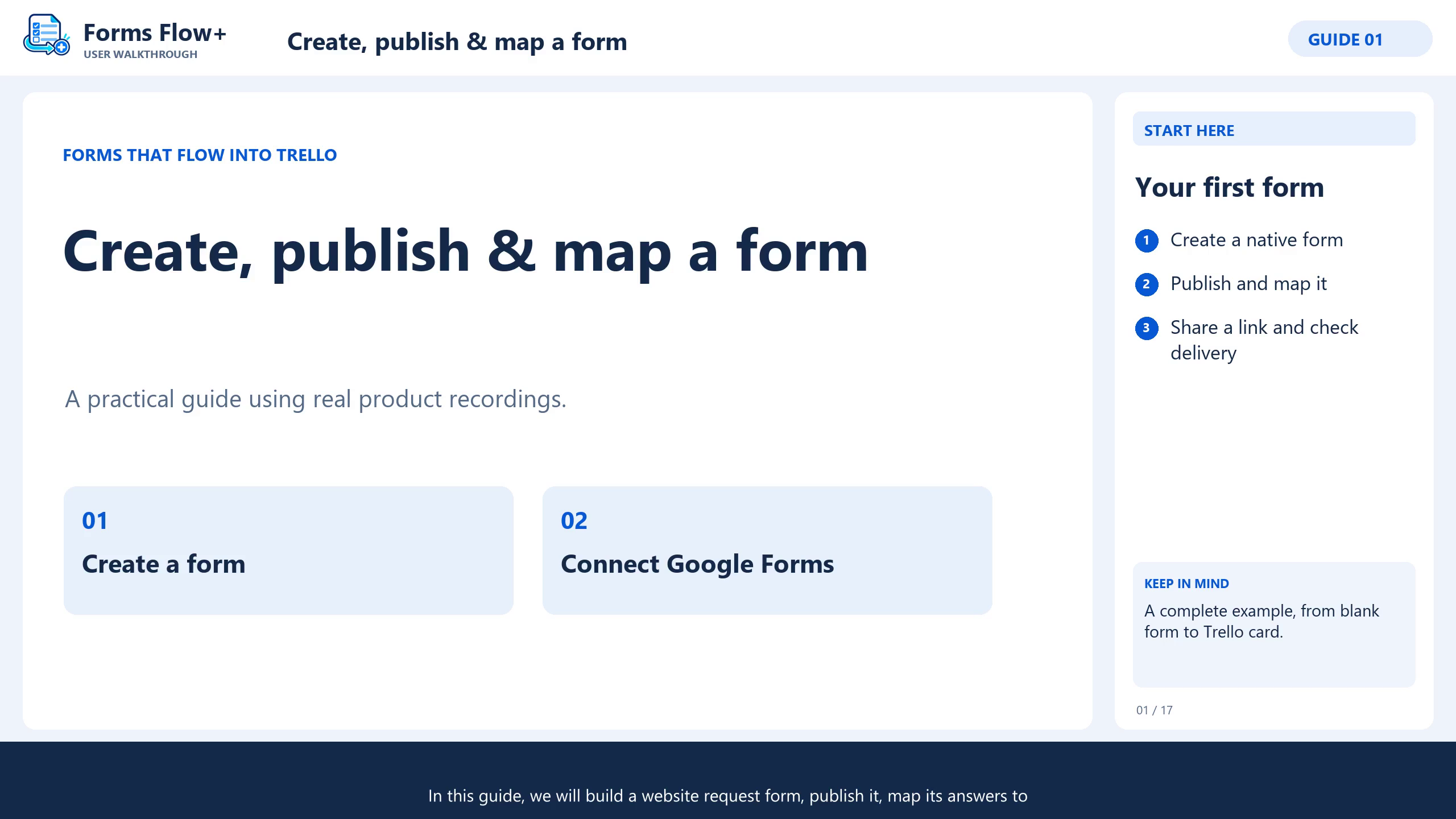
5:01Guide 1 · Native forms
Build questions, preview and publish your form, map answers to cards, then send a test request.
Watch on YouTube ↗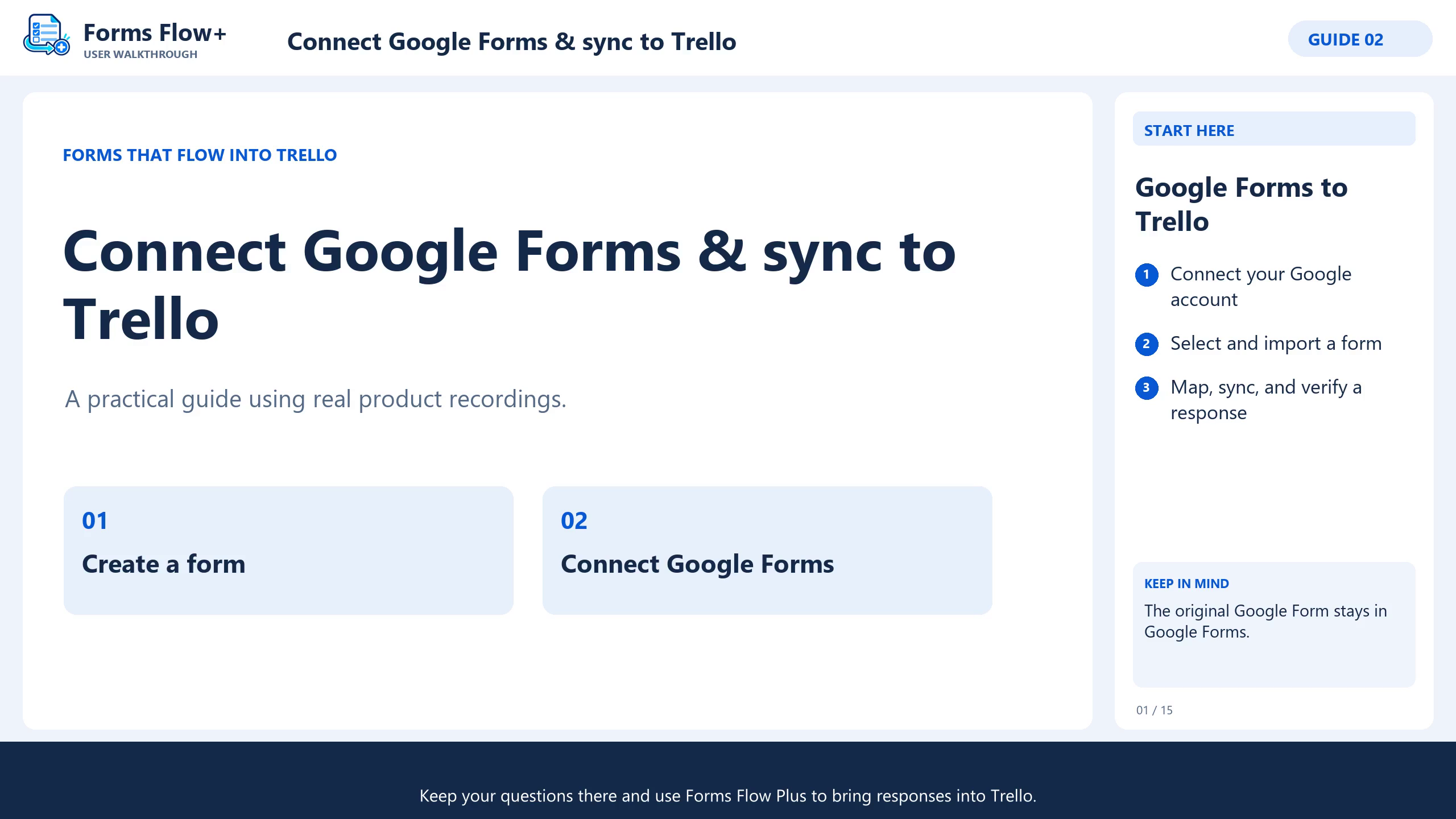 4:34
4:34Guide 2 · Google Forms
Authorize Google access, select your form, review the import, map cards and verify a synchronized response.
Watch on YouTube ↗Watch the Forms-Flow+ playlist ↗Prefer written steps? Read the guide →
Designed for trust
Forms Flow+ is designed around short-lived app sessions, encrypted delivery credentials, scoped board access, and clear disconnect controls.
Read our privacy policy
Ready when your board is